
PlayGolf18 – right in your browser, no installation required.
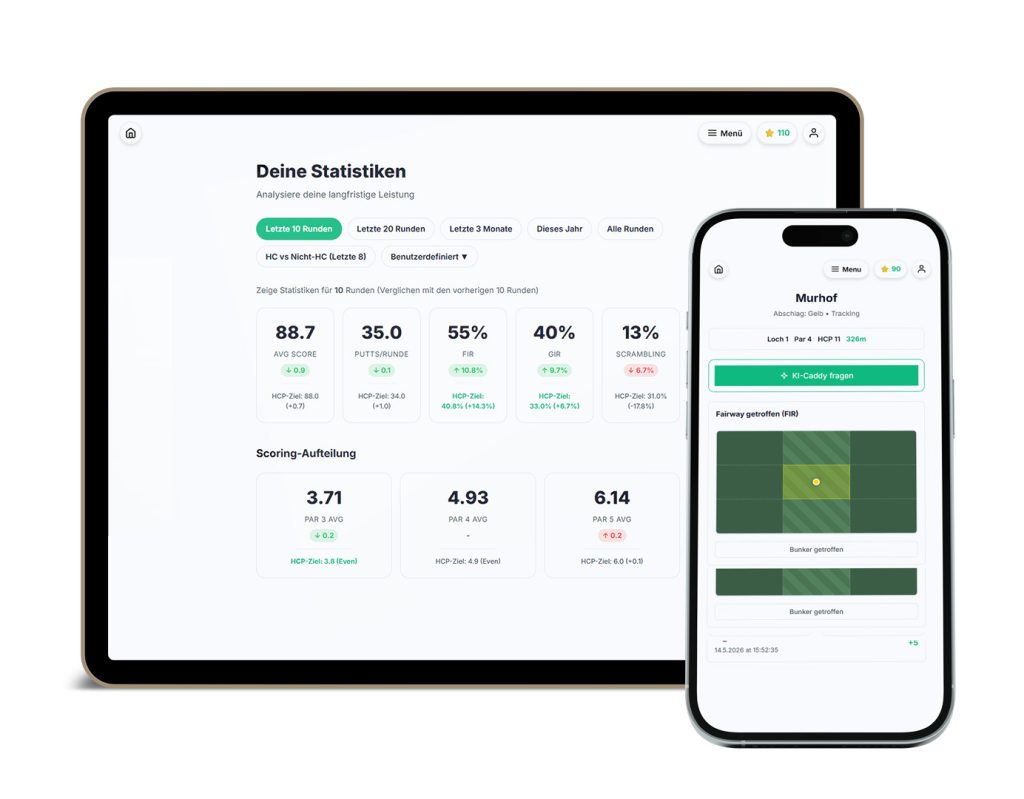
The smart web app (PWA) for your smartphone, tablet, and PC. Packed with features and ready to use right away.
What is a PWA?
The best of both worlds: a website meets an app.
A Progressive Web App (PWA) is a cutting-edge web technology. It looks and feels just like a regular app from the app store, but runs directly in your web browser. You don’t have to download anything, and it doesn’t take up valuable storage space on your smartphone.
The Benefits of PWAs
Ready to go right away: No searching in the App Store, no waiting for downloads or updates. One click and you're in.
Device-independent: Whether you're using an Android device, iPhone, iPad, Mac, or Windows PC—the PWA runs seamlessly across all platforms.
Offline-First: Just like the app store versions, the PWA saves your input on the golf course even when you don't have a network connection.
Always up to date: You'll always automatically have the latest version with all the latest AI updates, without ever having to update manually.
Installation Instructions for iPhone & iPad (Safari)
You can add the PWA to your phone as an icon, just like a regular app. Here’s how:
- Click the button below to open the web app.
- In the Safari browser, tap the “Share” icon (the square with the upward-pointing arrow).
- Scroll down and select “Add to Home Screen.” Done!
Installation Instructions for Android & Google Chrome
- Click the button below to open the web app.
- Chrome usually automatically displays a banner that says, “Add PlayGolf18 to your home screen.”
- If not, tap the three dots in the top-right corner and select “Install app” or “Add to Home Screen.”